A few things to know.
Does MacroMax run on Windows?
MacroMax is a Windows desktop application. A Mac version is not offered on this website.
Is MacroMax an AutoHotkey alternative?
Yes, for people who prefer editable visual workflows over writing automation scripts. MacroMax records input and combines clicks, image recognition, conditions and loops; existing AutoHotkey scripts are not imported automatically.
Can MacroMax work as an auto clicker?
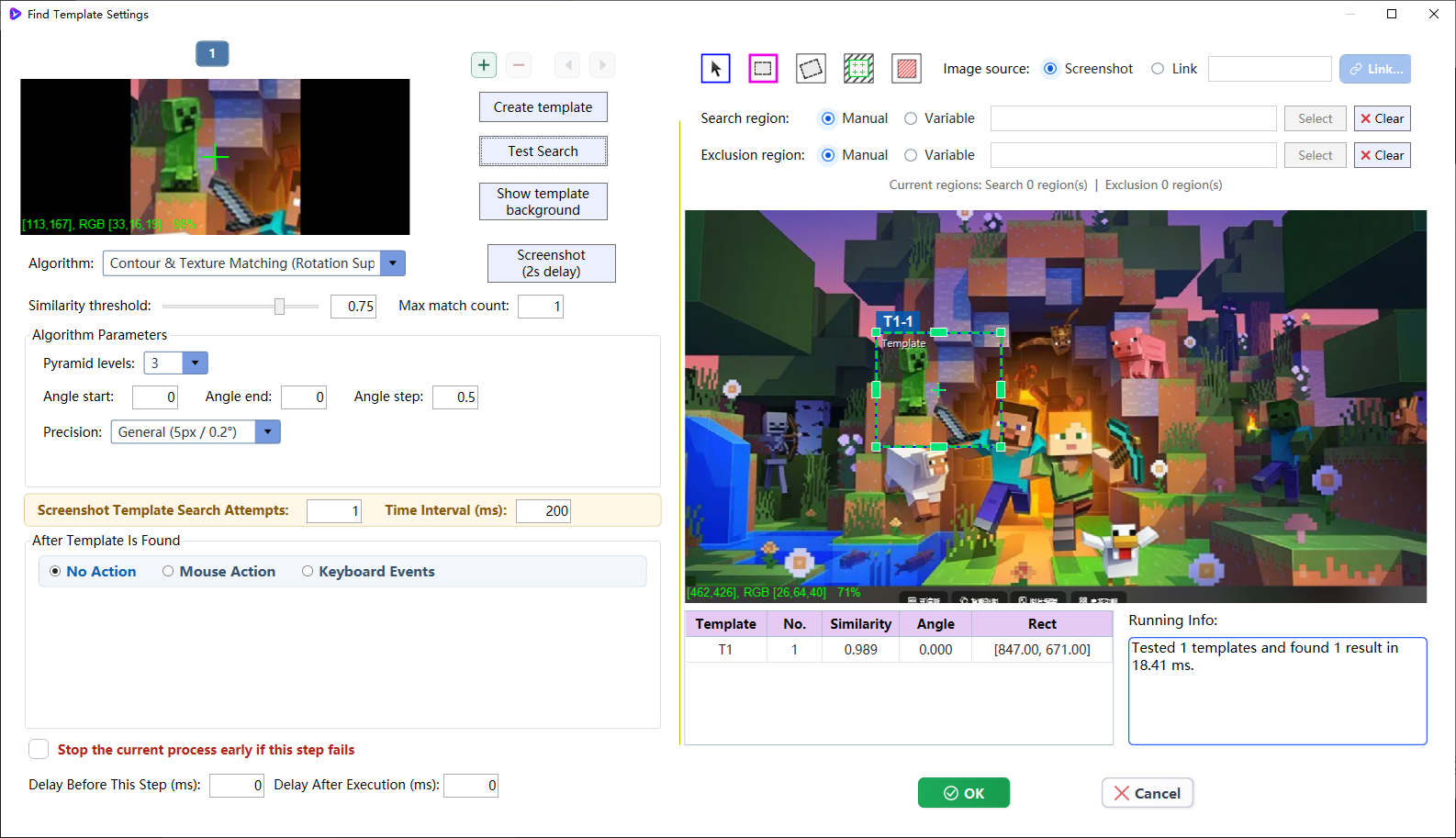
Yes. It can repeat mouse clicks at configured positions or act as an image recognition auto clicker that finds a visual target before clicking it.
Do I need to write code?
You can build workflows with visual steps and recordings. More involved tasks may need conditions, variables and testing.
What does the AI Agent do?
It helps you create and adjust workflows from a description. The resulting steps stay available to inspect and edit.
Is a website account required?
No. The MacroMax Lite installer can be downloaded directly without creating or signing in to a website account.
How does the trial work?
The current offer is a one-week trial. Check the account and subscription screens for applicable access, pricing and large-model API usage before purchasing.
Will every application work automatically?
Results depend on the target application, display setup and workflow. Start with a short test and review the output before relying on repeated runs.
Which features consume large-model tokens?
Core automation, AI object detection, and MMaxLab training and inference run locally without consuming large-model tokens. Token usage occurs only when the AI Agent page triggers an OpenAI, DeepSeek, or another supported large-model API.
Is a subscription tied to one computer?
No. After switching computers, sign in with an active subscription to continue using MacroMax. Each account can be signed in and used on only one device at a time.
Can I share an automation project?
Yes. Export a project for another user to import and reuse. The features available to the recipient still depend on their sign-in and subscription access.
Start with one real task
Install MacroMax, record a short sequence, then add vision and logic as the task grows.